Save from your browser
Paste a URL or use the global shortcut in Safari, Chrome, Firefox, Arc, and more.
Save a page once. Clawlicious extracts it as Markdown and gives it a useful title, summary, category, and tags.
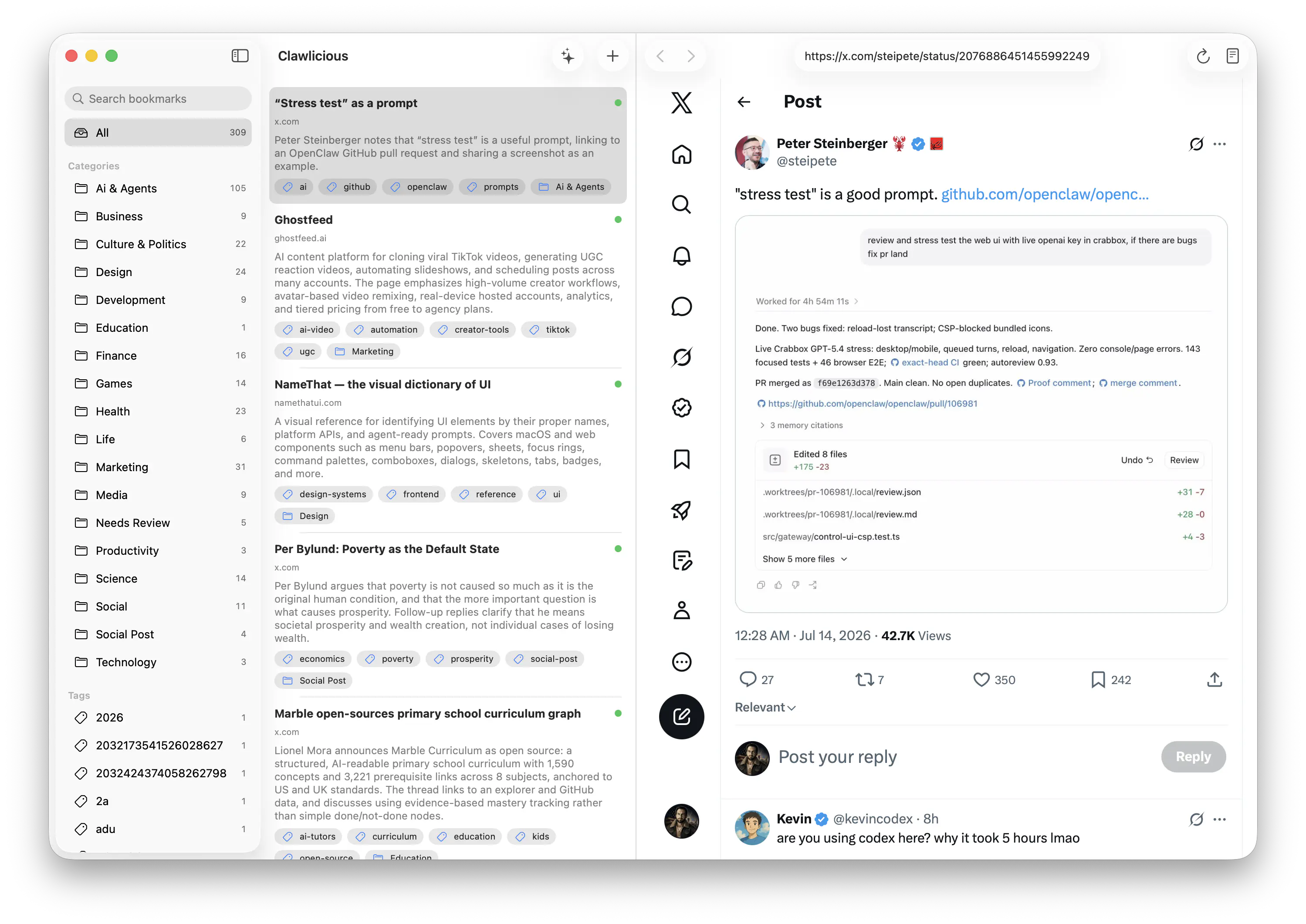
Paste a URL or use the global shortcut in Safari, Chrome, Firefox, Arc, and more.
Codex writes the title and summary, then adds a category and tags for quick recall.
Browse a fast macOS library while the original page stays open beside your notes.
Your archive is JSON and Markdown on disk, with page snapshots and no proprietary format.
Requires macOS 26 and a signed-in Codex CLI.
brew install --cask mxcl/made/clawlicious