Founder note
Automic Vault.
I created Homebrew. Now I’m fixing what happens when agents use it.
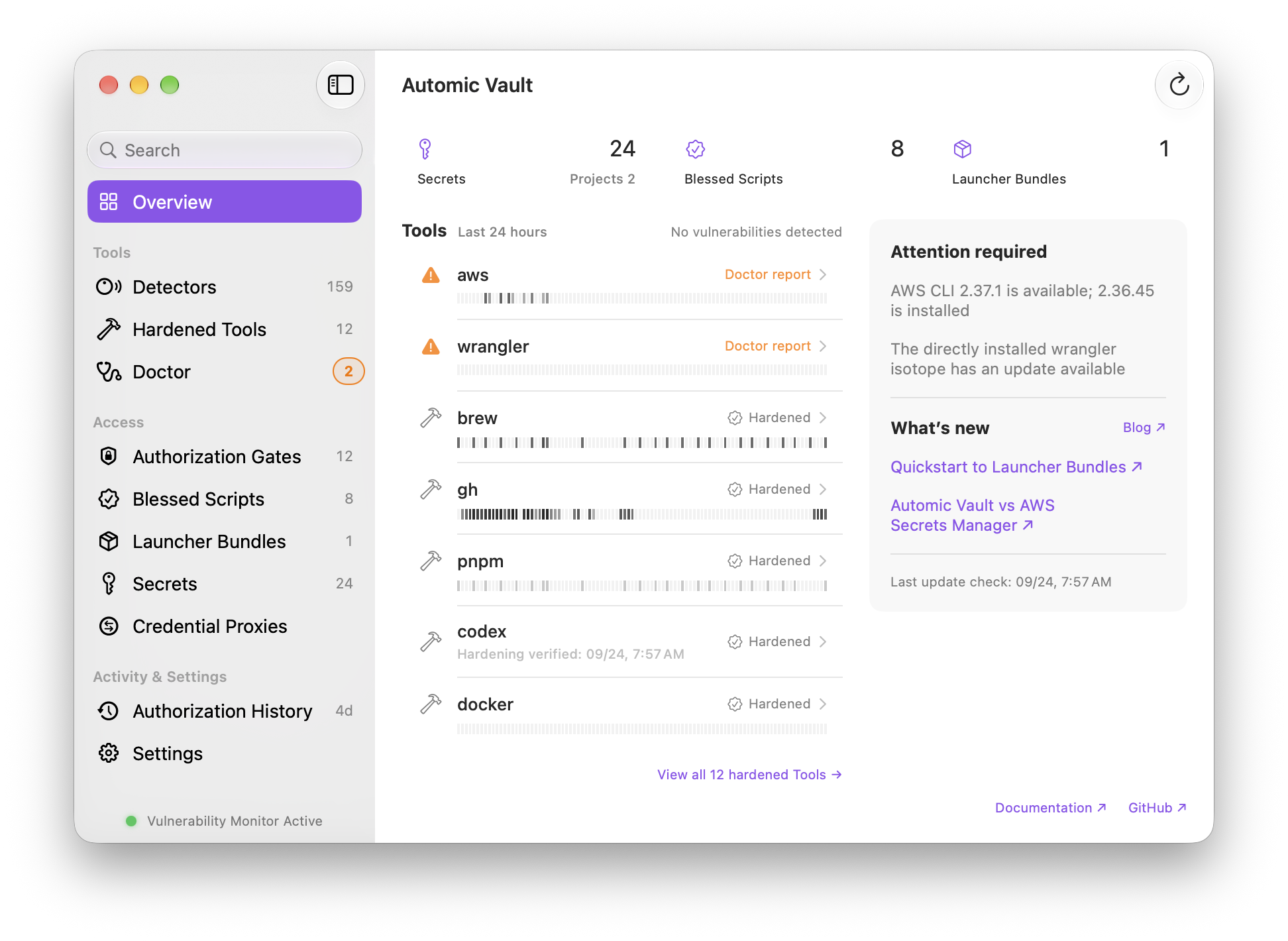
Automic Vault hardens supported CLI tools on macOS and moves exposed credentials into the Keychain. You keep using your commands. You decide how much authority to give them.
Updated
- Official product
- automicvault.com
- Platform
- macOS
- Source
- GitHub
- License
- Mac app: free · Apache 2.0
Why I built it
I helped make installing tools easy.
Homebrew made it easier to get a tool onto your Mac. But after you logged in, that tool often left a token in a dotfile or a credential helper that other code running as you could read. We got used to it. Then we gave agents the terminal.
An agent can read those files and run those helpers too. Asking it nicely to leave your credentials alone doesn’t change that. And I want to use agents. I want them to do useful work without handing them every credential on my machine.
The packaging layer gives me somewhere to fix this. Automic Vault moves supported credentials into protected storage and reconfigures, wraps, or patches the tools that use them. Each protected request reaches an Authorization Gate on your Mac before the tool gets its credential. Your terminal, editor, and agent keep their usual commands.
For GitHub, start with av harden gh. It installs our
signed, patched GitHub CLI and migrates its credentials. You still
type gh. There’s no agent plugin to persuade your harness
to use.
av harden gh
Homebrew needs a boundary too. Hardening protects
/opt/homebrew from changes by other code running as you.
At Read & Update, recognized inspection commands
and brew update can run; installs and upgrades need your
Approval. This targets Apple Silicon Homebrew, and currently means
giving up services and shell completions.
Read the tradeoffs.
Same token, different authority
Reading an issue isn’t publishing a release.
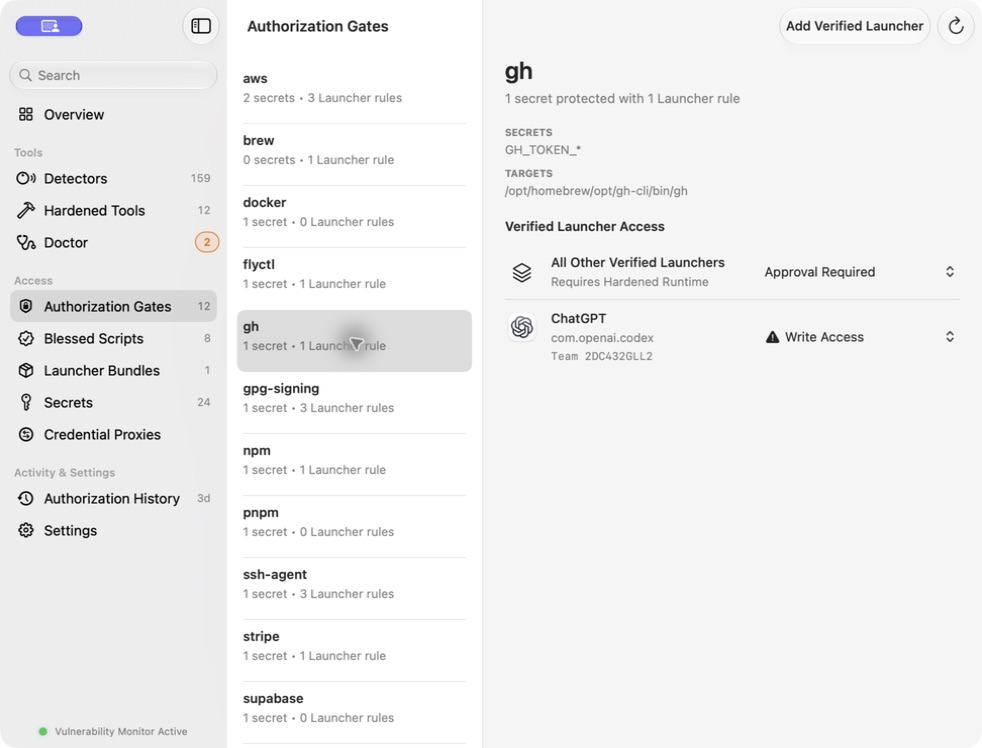
I want my secrets manager to know what the secrets do. Reading GitHub, changing GitHub, and printing the token deserve different decisions.
| Command | Decision |
|---|---|
gh issue list | Authorized |
gh issue create | Approval Required |
gh auth token | Approval Required |
Write Access permits recognized writes, but revealing a Secret or using an elevated credential still requires Approval. Unknown operations always require a human decision. AV verifies the live Launcher’s software identity before applying its policy; a signature establishes identity and integrity, not good intentions.
From exposure to approval
Start with what’s on your Mac.
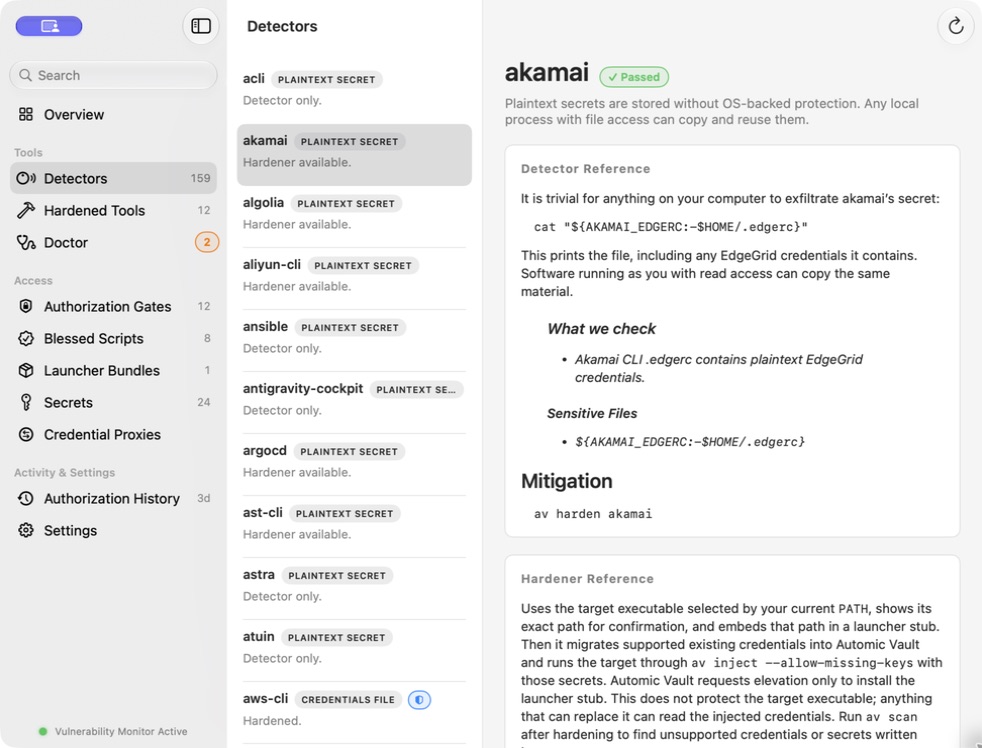
Run a Scan to find supported credential Exposures and Hazards.
Each Finding explains what AV checked and what you can change.
Choose a supported Hardener, then run av doctor to verify
the protection it installed. A clean Scan only covers the checks
AV supports.
Let the agent get on with it
I don’t want to approve every command either.
Policy handles recognized operations within the access you’ve chosen. For an eligible agent task, you can grant ten active minutes of Write Access at one tool’s gate. Extend it, suspend it, or end it from the visible controls. Suspending the timer suspends the authority too; disclosure and elevated credential use stay outside the grant.
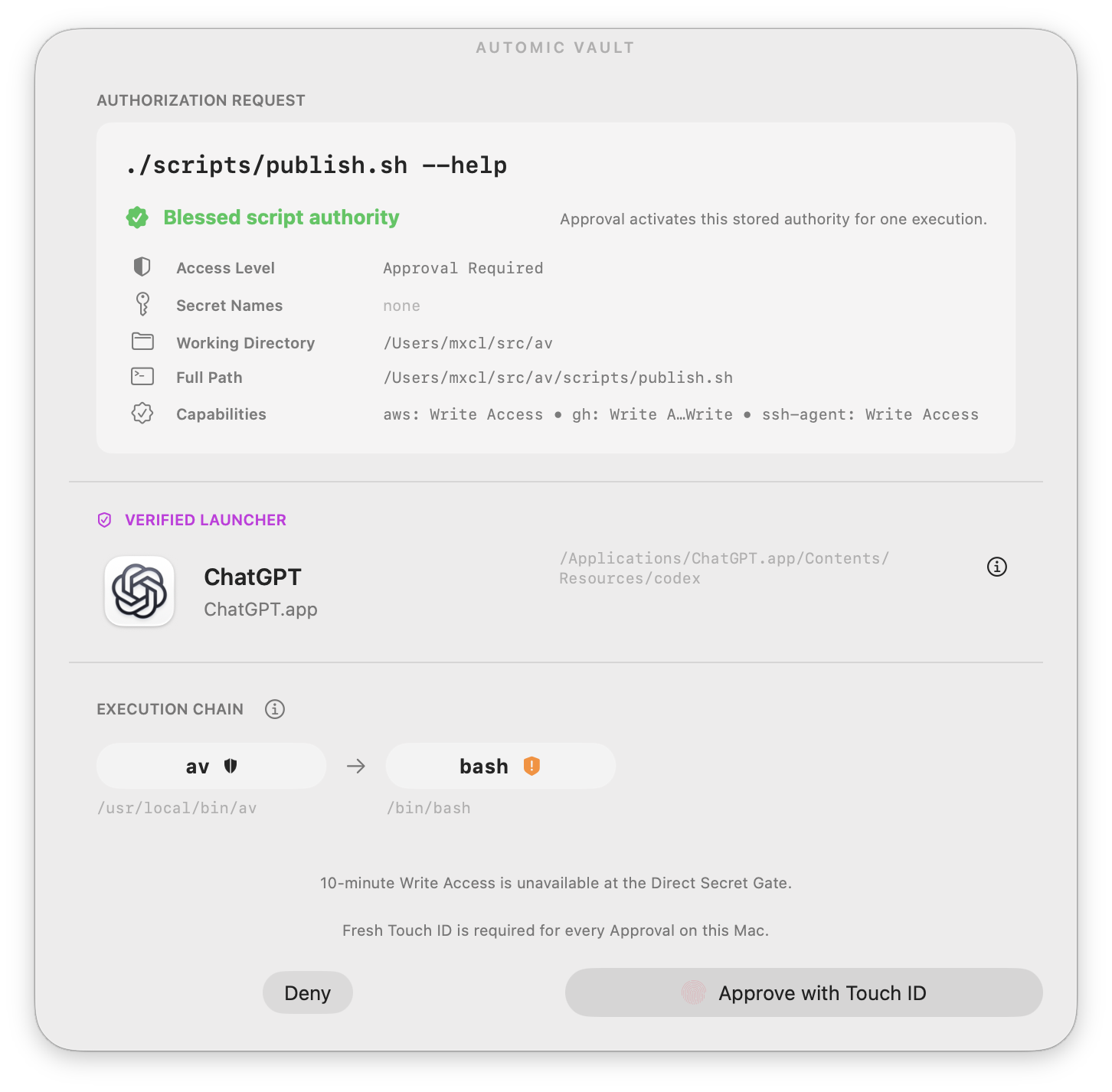
For repeatable work, review a script and its declared capabilities, then bless it. A Blessed Script binds that review to its exact contents. Editing it invalidates the Blessing. I can let an agent prepare a release while giving a reviewed script the authority to publish it.
You can enable Touch ID Approval on your Mac, or send Approval requests to your iPhone. The Mac still holds the Secrets and enforces the decision. Optional iPhone Approval needs an active subscription to send allow responses; the Mac app is free. See the setup and current features.
Authorization History lets you inspect local decisions. AV records and verifies an allowed Secret Use before releasing the Secret. History has retention limits, and denial records are best effort. It isn’t a tamper-proof forensic log.
The boundary matters
I’m hardening tools, not promising a safe agent.
Protection covers supported credentials and gated operations. AV doesn’t intercept every command, sandbox the whole agent, or stop arbitrary local file changes. Once a tool receives a Secret, it can leak it. Root and kernel compromise are outside this boundary too.
Those limits matter as much as the feature list. The project’s domain definitions and architecture spell out the model. The security guide explains what it means for your setup.
Try it on your tools
Start with a Scan.
The official site has the download, a standalone scanner, and the supported Hardeners. The Automic Vault GitHub repository has the source code, releases, license, and issue tracker.